
Win10系统中使用anaconda的conda activate激活环境时报错应该怎么解决?
最近有用户反映在使用Win10系统中anaconda的conda activate激活环境时报错,不知道该怎么解决,这是怎么一回事呢?针对这一问题,本篇带来了使用anaconda的conda activate激活环境时报错的解决方法,操作简单易上手,分享给大家。

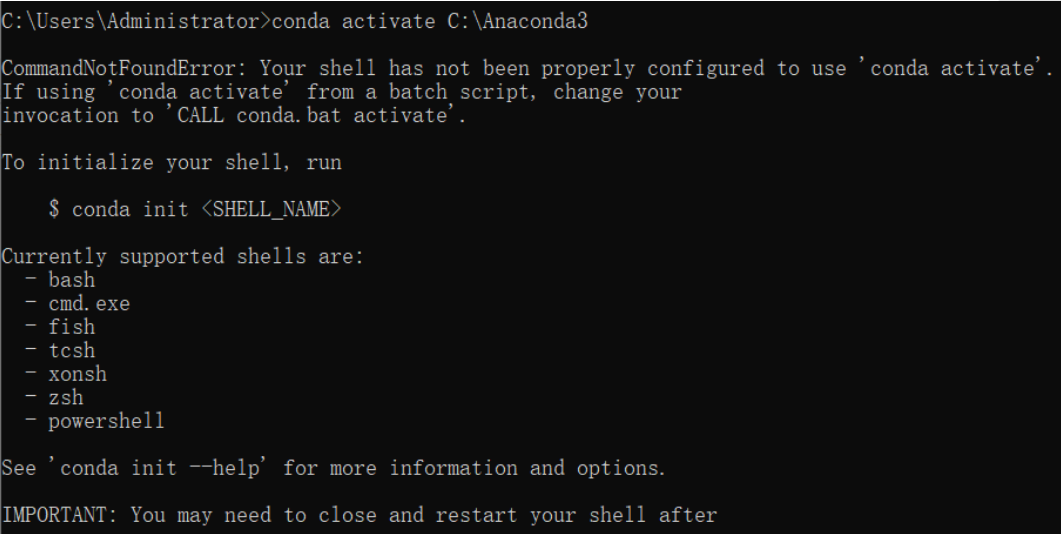
报错内容:
CommandNotFoundError: Your shell has not been properly configured to use ‘conda activate’。
If using ‘conda activate’ from a batch script, change your
invocation to ‘CALL conda.bat activate’。
To initialize your shell, run
$ conda init 《SHELL_NAME》
Currently supported shells are:
– bash
– cmd.exe
– fish
– tcsh
– xonsh
– zsh
– powershell
See ‘conda init --help’ for more information and options.
IMPORTANT: You may need to close and restart your shell after running ‘conda init’。
解决办法:
1、打开CMD,先输入activate,回车。
2、然后再conda activate xxx ,回车 。
注:(xxx是你的环境名或你的环境所在路径)